
Originally published on Substack.
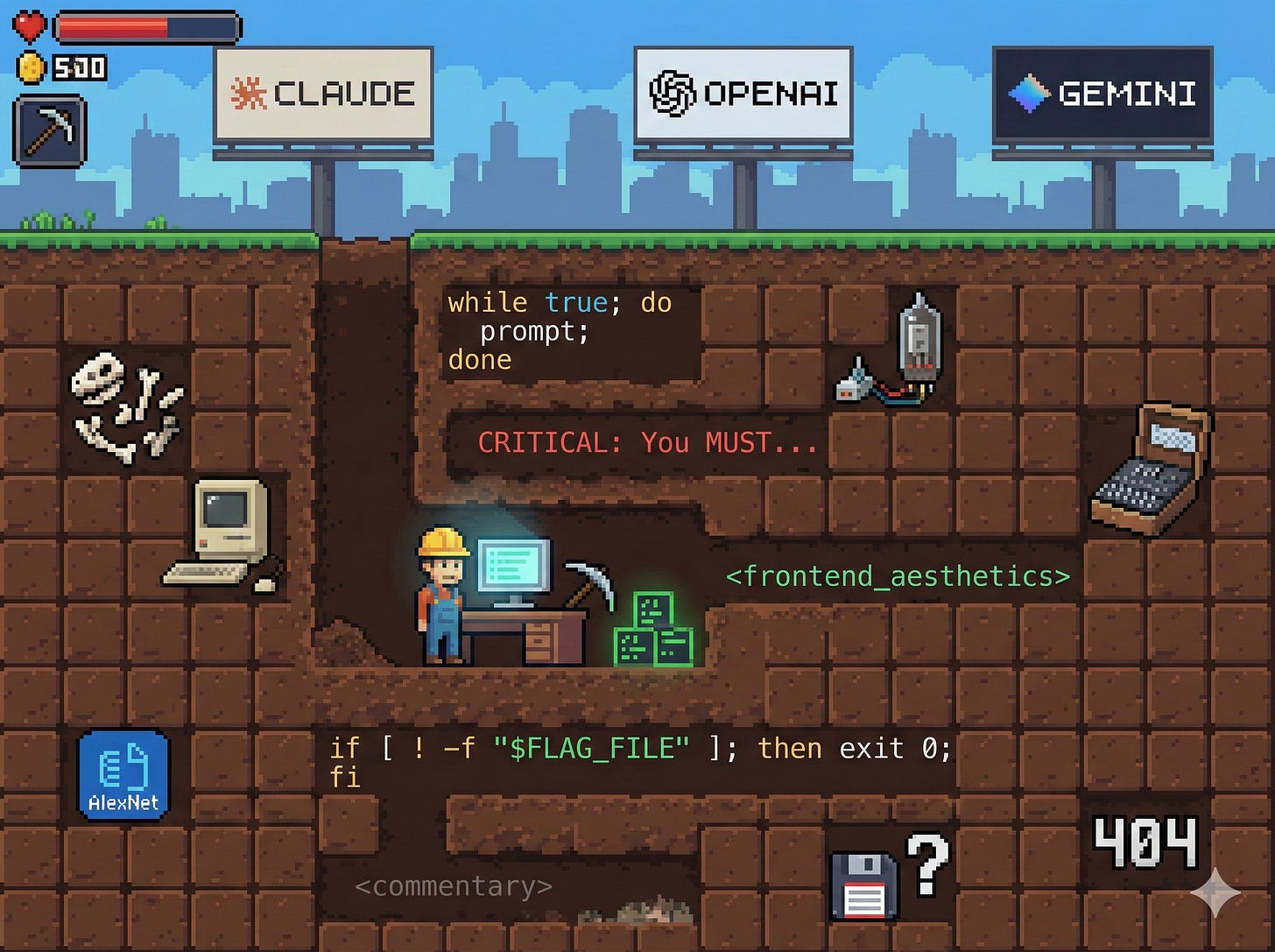
I’ve been spending time in the Claude Code plugins directory recently, and it’s been genuinely useful. Not just for the plugins themselves—most of which are worth installing right now—but for what they reveal about how Anthropic’s own engineers prompt and structure agentic workflows.
The READMEs are well-written, so I won’t spent much time on what each plugin does. And I’m assuming you have some sense of what Anthropic means by the words hook, skill, command, agent and plugin.
Here’s what I’ve learned from reading the source.
feature-dev: structured workflows that actually help
The feature-dev plugin gives Claude a 7-phase workflow for building features. I’ve noticed Claude produces fewer errors when using this—things ship more directly without the back-and-forth.
I use it by loading a bunch of context up about the change I want to make, and then simply running:
/feature-dev:feature-dev
You can also just throw a GitHub issue at it:
/feature-dev:feature-dev https://github.com/org/repo/issues/1234
Looking at the plugin definition, there are a few patterns worth stealing:
Ask clarifying questions first. The plugin emphasises this heavily. I already prompt for this often, but seeing it codified as a mandatory first phase is a good reminder. The command includes phrases like “CRITICAL: This is one of the most important phases. DO NOT SKIP.” It seems that shouting works.
Dedicated agents for distinct tasks. The plugin uses a code-explorer agent for codebase analysis, a code-architect for design decisions, and a code-reviewer for quality. These agents are great and you can actually explicitly ask Claude to use them outside of the context of this plugin.
TodoWrite as a defence against drift. The plugin mentions “use TodoWrite” for tracking progress. This seems to help agents stay on track. The pattern is: read and understand before acting, then update todos as you progress.
Rules of thumb that seem to work:
-
Simple can be really useful
-
TodoWrite in agents keeps them on track
-
SHOUTING works (CRITICAL, DO NOT SKIP)
-
Asking clarifying questions helps (mention AskUserQuestion specifically)
ralph-wiggum: while true; do prompt; done
The ralph-wiggum plugin implements something wild: a Stop hook that intercepts Claude’s exit attempts and feeds the same prompt back in. It’s basically while true; do prompt; done for AI.
Super cool that this works.
Looking at the plugin code, alignment was clearly a challenge. Some interesting quotes from the prompt:
-
“The statement must be completely and unequivocally true. Do not output false statements.”
-
“Do not lie even if you think you should exit.”
-
“Trust the process.”
-
“Do not force it by lying.”
The plugin uses a local file (ralph-loop.local.md) to track state via the Stop hook and a shell script. It’s elegant: you run /ralph-loop once, Claude works on the task, tries to exit, the hook blocks exit and feeds the same prompt back, and it continues until completion.
Note: there seems to be an issue with this plugin at the moment on certain platforms.
hookify: hot-reloading rules
Hookify is new—added in the last couple of weeks—and it’s really interesting. You can create hooks without editing complex hooks.json files.
/hookify Don’t use console.log in TypeScript files
Or just /hookify to detect issues from your conversation history.
The hot-reload system is clever. Rules are loaded fresh on every hook invocation, not cached at session start:
-
Hook triggers → Python executor runs
-
load_rules()called → Globs for.claude/hookify.*.local.mdfiles every time -
Files parsed fresh → Frontmatter extracted, conditions built, rules returned
-
Rules evaluated → Engine checks patterns against current tool input
Why it works: Claude Code loads hooks.json at session start (static), but the Python scripts it references read the filesystem dynamically. The hookify executors delegate to load_rules() which does a fresh glob + parse each invocation.
There’s a tradeoff of slightly more I/O per hook execution, but enables instant rule updates without restarting Claude Code. The LRU-cached regex compilation (@lru_cache(maxsize=128)) mitigates the performance cost.
I can see this pattern being useful for advanced Claude Code workflows, including for agent-to-agent communication and influencing what it’s doing in real-time.
Opus 4.5 migration guide: what Anthropic worries about
The claude-opus-4-5-migration plugin includes a prompt-snippets.md file that’s basically a window into what Anthropic is worried about with Opus 4.5.
Overtriggering. Prompts designed to reduce undertriggering on previous models may cause Opus 4.5 to overtrigger. The fix is an anti-pattern → pattern replacement table:
Anti-pattern Replacement CRITICAL: You MUST... Remove You MUST... You should... ALWAYS call the search function before... Call the search function before...
Over-engineering. “Opus 4.5 may create extra files, add unnecessary abstractions, or build unrequested flexibility.” Yep, I’ve seen this.
Not reading before proposing. “Opus 4.5 may propose solutions without reading code or make assumptions about unread files.” There’s specific guidance: “ALWAYS read and understand relevant files before proposing code edits.”
Generic frontend aesthetics. There’s a whole <frontend_aesthetics> block:
“You tend to converge toward generic, ‘on distribution’ outputs. In frontend design, this creates what users call the ‘AI slop’ aesthetic. Avoid this: make creative, distinctive frontends that surprise and delight.”
Pretty candid!
Sensitivity to “think”. “When extended thinking is not enabled (the default), Opus 4.5 is particularly sensitive to the word ‘think’ and its variants.” The solution is to replace “think” with alternative words in your prompts.
security-guidance: operational patterns
The security-guidance plugin has some nice operational patterns:
Session-scoped state files. Uses session_id from hook input to track which warnings have been shown: ~/.claude/security_warnings_state_{session_id}.json.
Probabilistic cleanup. 10% chance per invocation to garbage-collect stale files older than 30 days. Avoids startup latency.
Silent debug logging. Logs to /tmp/ with timestamps for troubleshooting without disrupting normal output. Logging errors are swallowed to prevent hook failures.
learning-output-style: style injection via hooks
The learning-output-style plugin uses a hook on session start to extend “hookSpecificOutput” with additional context—essentially augmenting the system prompt.
The README notes: “This mode differs from the original unshipped Learning output style by also incorporating explanatory functionality.” Huh. Interesting to see references to unshipped features.
What we can learn:
-
You can adapt Claude to a particular style quite easily via session start hooks
-
They use an “Example Request Pattern”—these don’t need to exactly match, but they help
plugin-dev: the meta goldmine
The plugin-dev plugin is a big one—7 expert skills, AI-assisted creation, an 8-phase workflow for building plugins. There’s a lot here to unpack, particularly because it’s Anthropic’s own guidance.
Command design patterns
Multi-phase workflows with user checkpoints. The create-plugin command has 8 distinct phases: Discovery → Component Planning → Detailed Design → Structure Creation → Implementation → Validation → Testing → Documentation. Each phase has explicit outputs and decision points.
Critically, there are explicit “wait for user” points: “CRITICAL: This is one of the most important phases. DO NOT SKIP.” and “Ask user: ‘Validation complete. Issues found: [count]. Would you like me to fix them now?’” Without these gates, Claude might barrel through an entire workflow without checking in.
Dynamic skill loading. Commands load skills on-demand: “Load plugin-structure skill using Skill tool before this phase.” This keeps initial context lean while making deep documentation available when needed. Skills can be loaded mid-execution to provide just-in-time knowledge.
Argument templating. The $ARGUMENTS placeholder receives command arguments: “Initial request: $ARGUMENTS”. This enables parameterised workflows like /create-plugin “database migration manager”.
Agent design patterns
Proactive vs reactive triggering. Examples explicitly demonstrate proactive triggering where Claude triggers the agent without the user asking directly: “Great! Let me validate the plugin structure.”
It seems if you want an agent to trigger proactively (e.g., after code is written), you must include examples showing this pattern with commentary explaining why proactive triggering is appropriate.
The commentary tag. The <commentary> tag teaches Claude why to trigger, not just when:
<commentary>Code was just written, proactively trigger code-reviewer agent.</commentary>
This seems to improve Claude’s judgment for novel situations that don’t exactly match the examples.
Skill architecture patterns
Progressive disclosure structure. Skill directories follow a pattern: SKILL.md + subdirectories for references/, examples/, scripts/. The guidance says keep SKILL.md lean (1,000–3,000 words) and put detailed content in subdirectories. This keeps initial context small while making deep dives available.
Third-person description convention. Skill descriptions use third person: “This skill should be used when the user asks to…” not “Use this skill when…” The reasoning: third-person phrasing helps the skill-selection system understand when to recommend the skill. It’s describing the skill, not instructing Claude.
I would normally have used the second approach—interesting to see the recommendation differs.
Comprehensive trigger phrase lists. Long trigger phrase lists in descriptions work well: “create a hook”, “add a PreToolUse/PostToolUse/Stop hook”, “validate tool use”, “implement prompt-based hooks”, “use ${CLAUDE_PLUGIN_ROOT}”, “set up event-driven automation”, “block dangerous commands”.
The more specific trigger phrases you include, the more reliably the skill gets selected. Include both user language (”block dangerous commands”) and technical language (”PreToolUse hook”).
Hook documentation patterns
Exit code semantics. Exit codes control hook behaviour:
-
0 = success (stdout shown)
-
2 = blocking error (stderr fed to Claude)
-
other = non-blocking error
Exit code 2 is special—it blocks the tool AND sends the error message to Claude as context. This is how hooks can communicate back to Claude about why something was blocked.
Structured JSON output. Hooks can return structured JSON to control Claude’s behaviour:
{
  “decision”: “approve|block”,
  “reason”: “...”,
  “systemMessage”: “...”
}
The systemMessage field specifically adds context to Claude’s understanding.
Flag-file activation pattern. Hooks can check for the presence of a flag file and exit early if absent:
if [ ! -f “$FLAG_FILE” ]; then exit 0; fi
This enables opt-in hooks that are installed but inactive by default.
Cross-component integration
Agents referencing skills. The agent creation command loads skills, which in turn use other skills. This creates a hierarchy: Command → Agent → Skill → Reference docs.
Phase 5 of create-plugin says “For each agent, use agent-creator agent” which itself uses the agent-development skill. It’s turtles all the way down.
Meta-patterns
Self-referential documentation. The plugin-validator agent is told to use the same validation scripts that the skill teaches how to create. Neat.
Quality standards as checklists. Explicit quality standards in agents: “Identifier follows naming rules (lowercase, hyphens, 3-50 chars)”, “System prompt is comprehensive (500-3,000 words)”. Numbers (500–3,000 words, 3–50 chars) are better than vague guidance.
Learning from Anthropic
Anthropic clearly relies heavily on Claude to help them work on Claude. You can see this in the dedupe commands in the repo root, which help identify duplicate GitHub issues. One interesting quote from those prompts: “be sure to tell this to your agents too.”
The plugins are useful in their own right—feature-dev and hookify are worth installing now. But the real value is seeing how Anthropic’s engineers structure agentic workflows, handle edge cases, and prompt their own models.
Some patterns that appear repeatedly:
-
Explicit phases with user checkpoints
-
Shouting (CRITICAL, DO NOT SKIP) for emphasis
-
Dedicated agents for distinct tasks
-
Todo tracking to prevent drift
-
Dynamic skill loading to manage context
-
Third-person descriptions for skill selection
-
Proactive triggering examples with commentary
This is a great baseline from the people who know the model best.
Next steps
Install the claude-code marketplace:
/plugin marketplace add anthropics/claude-code
Then browse what’s available. feature-dev and commit-commands are my current favourites. I’ll be playing with plugin-dev soon.
That’s it for now. Are there any useful techniques when building for Claude that I’ve missed?